Offline-First Security Architecture
MaatSafe
Your Personal Data Vault. Zero Cloud dependencies. Absolute sovereignty over your secrets.
MaatSafe is a high-security, local-first database vault designed for users who prioritize total privacy and hardware-level isolation. Unlike conventional cloud managers, MaatSafe completely eliminates external server dependencies, remote telemetry, and third-party data storage.
Whether storing confidential credentials, private encryption keys, identity documentation, or encrypted personal media, MaatSafe isolates your vault directly within device storage using multi-layer cryptographic barriers.
|
True Offline Sovereignty
No external APIs, no remote databases, and no background analytics. Your data never crosses internet channels.
|
Local LAN Discovery
Synchronize encrypted vault stores across Android, iOs, Windows, and macOS devices locally via Wi-Fi or LAN.
|
|
Hardware-Level Auth
Seamless integration with Windows Hello, Android BiometricPrompt, and Apple Touch/Face ID for instant local key retrieval.
|
Unified Storage Engine
Consolidate passwords, secure note documents, media files, images or audio within a single encrypted database.
|
|
Authenticator on all Platforms
Replace your Authenticator App and use it on any platform at the same time.
|
Set Access rights as you need it
Set Access Rights for User as single or joint Account, Access Levels and Read only or Edit rights incl Flag Secret Data's.
|
|
Images or Audio Notes
Take a Image to your Data or add an Audio Note on the go and keep it secure.
|
View your Documents / Images / PDF's without saving
Open your document in the integrated Viewer (Windows) or in the default App (Android) without saving the file to a folder first.
|
|
Dashboard Menu
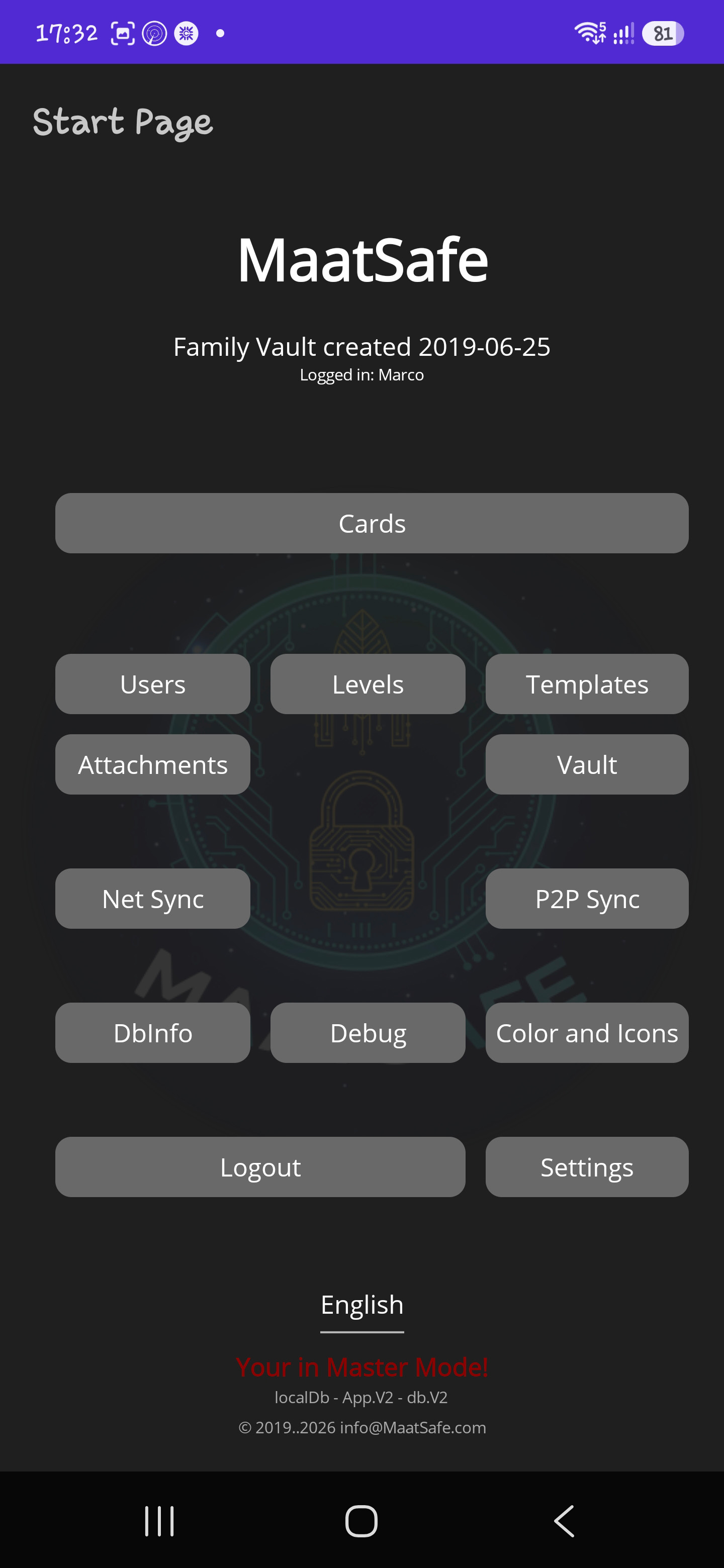
Android |
Dashboard Menu
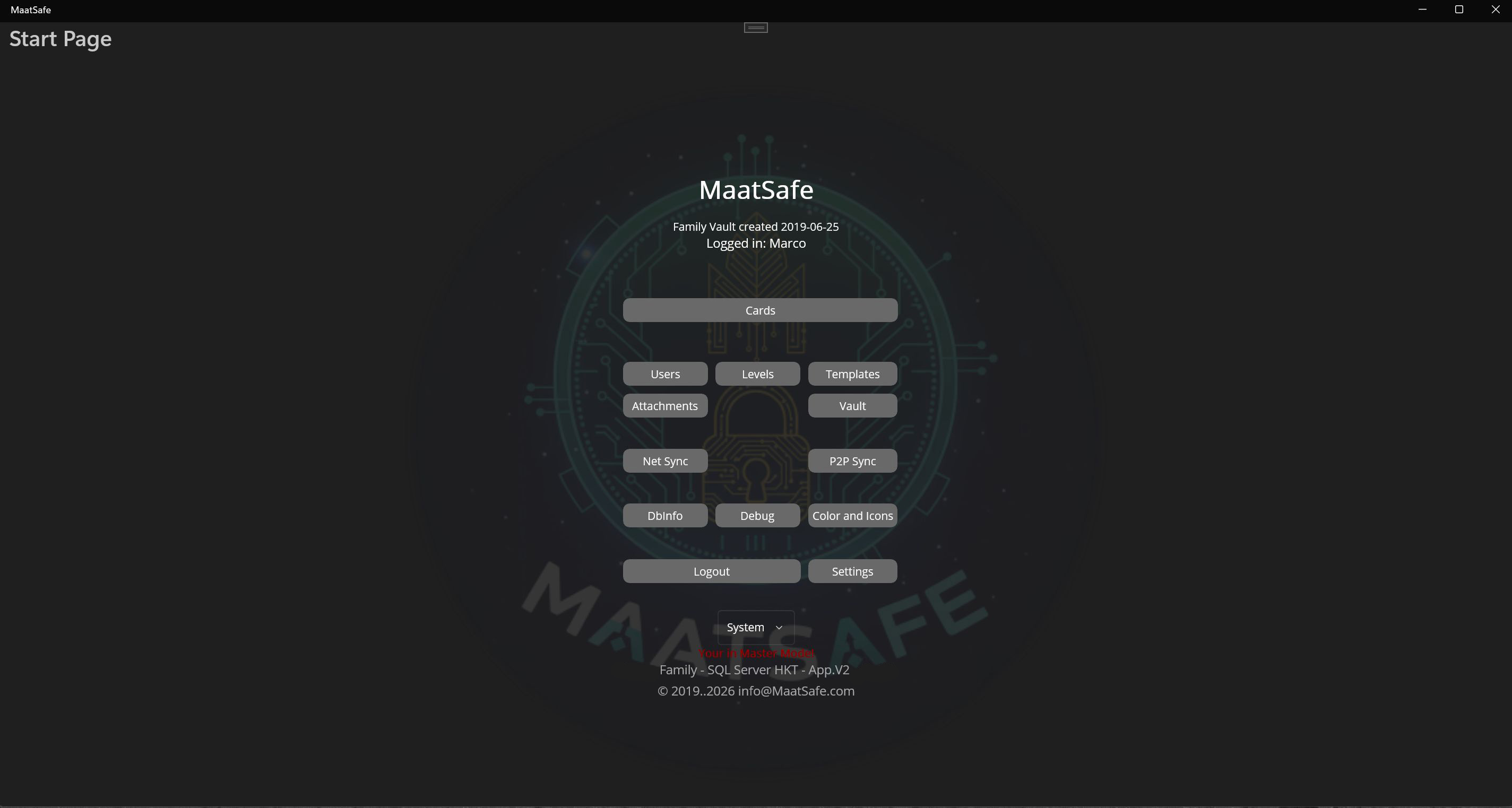
Windows |
|
Card Entry Page
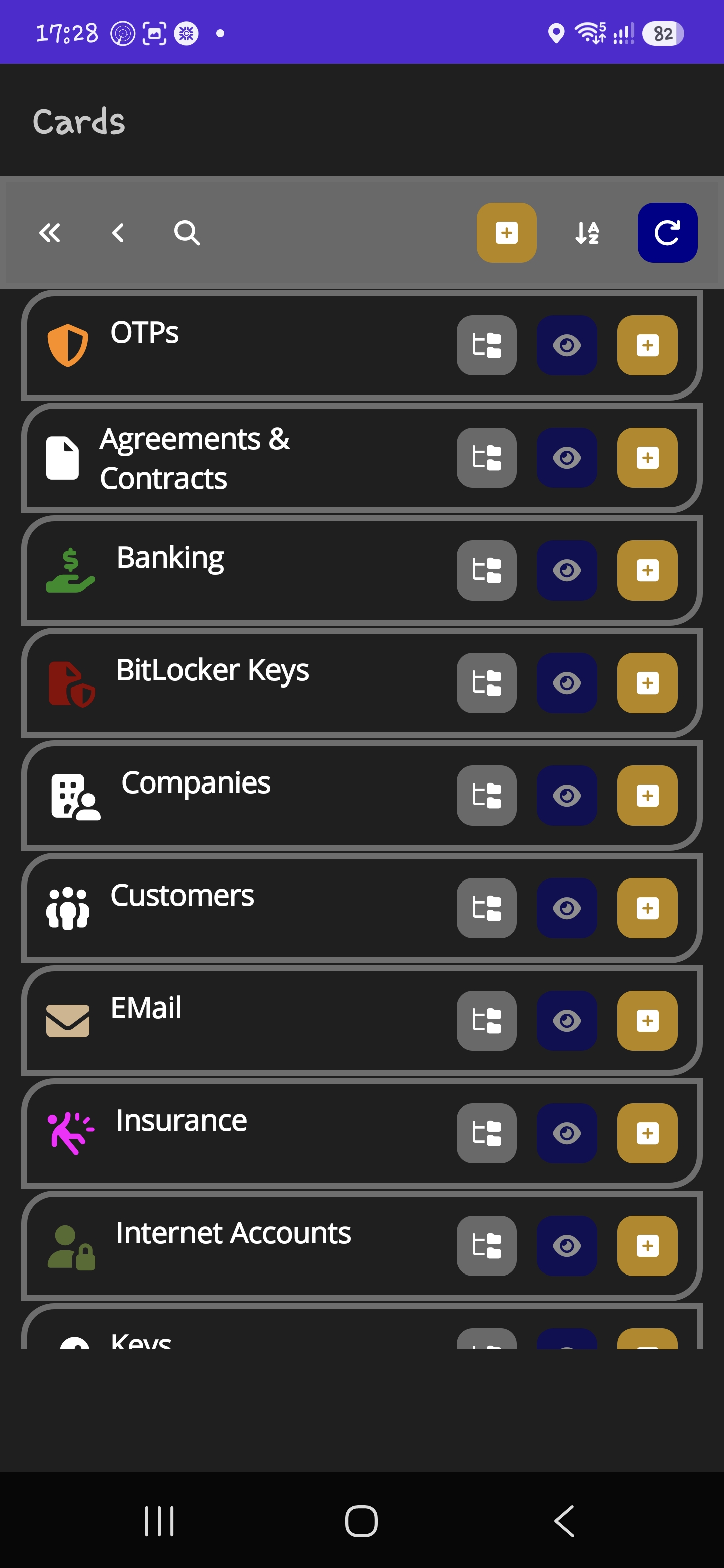
Android |
Card Entry Page
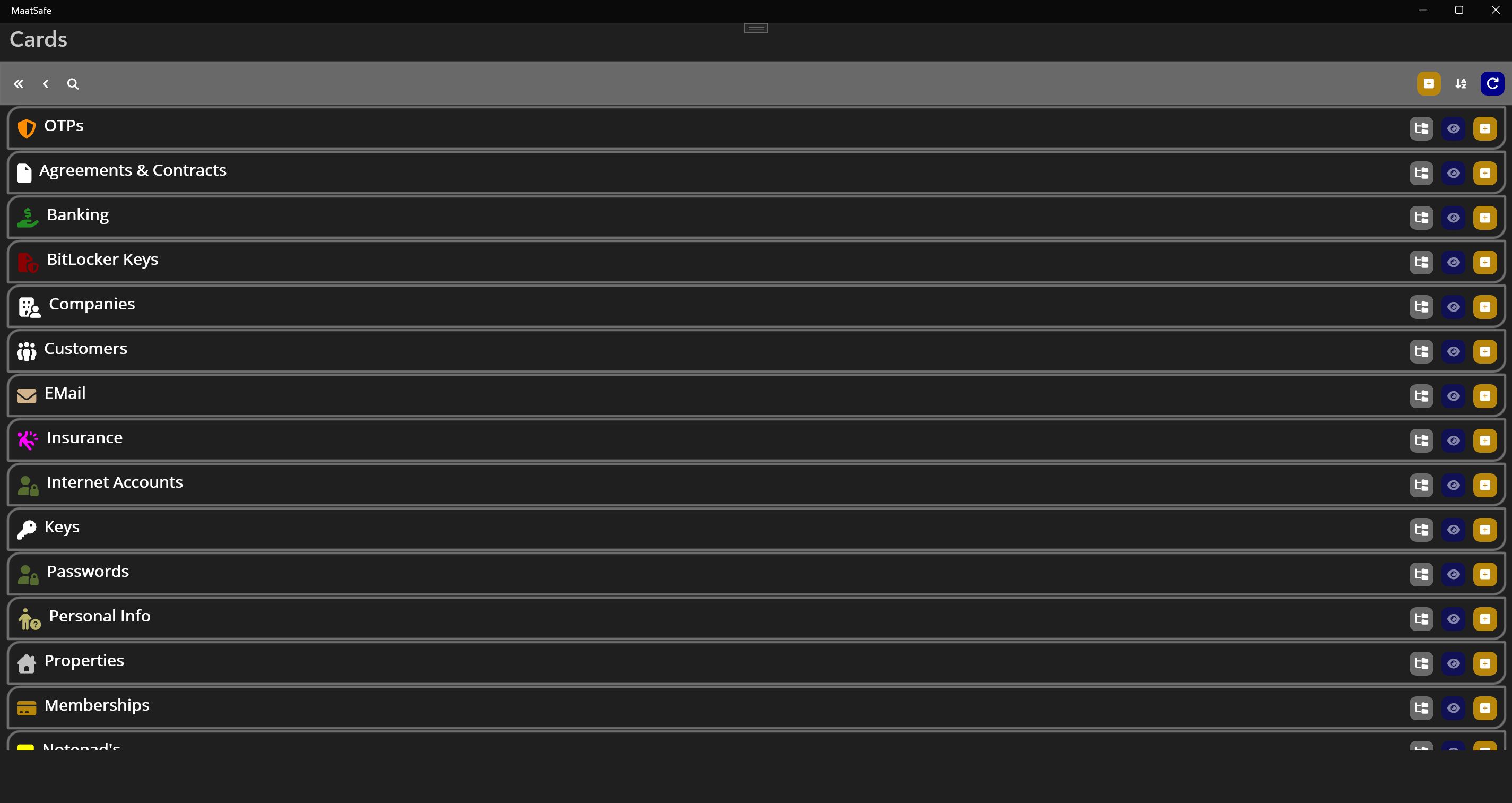
Windows |
MaatSafe employs an unyielding defense-in-depth model, ensuring that physical access without key authorization yields zero decipherable data.
|
💻 Launch Phase (Coming Soon)
Windows & Android
Active beta testing builds for desktop and mobile devices currently undergoing performance and cryptographic validation.
|
🍎 Next Development Phase
macOS, iPhone & iPad
Dedicated Apple ecosystem releases scheduled immediately following the initial Windows and Android public release.
|
Get early preview access to pre-release binaries, join offline sync testing, and help shape our zero-cloud security features.
🚀 Request Test Version| Security Feature | MaatSafe Vault | Traditional Cloud Vaults |
|---|---|---|
| Data Storage Location | ✓ 100% Local Device | ✗ Centralized Cloud Servers |
| Internet Connection Required | ✓ No (Fully Autonomous) | ✗ Yes (For Sync & Auth) |
| Third-Party Server Breach Risk | ✓ Zero Risk | ✗ Continuous High Risk |
| Local P2P Encrypted Sync | ✓ Supported (Direct LAN) | ✗ Not Supported |
| Telemetry & Usage Tracking | ✓ None (Strictly Isolated) | ✗ Analytics Active |